So I am just new here starting today. And I was curious about how I go about deleting a mistake in the saved skin area. there are more then 1 and I wanted to delete them and I just ended up making anew one. Help?
im not quite understanding your issue, there is an eraser tool here
The folder where you upload the skin’s… How do you delet them?
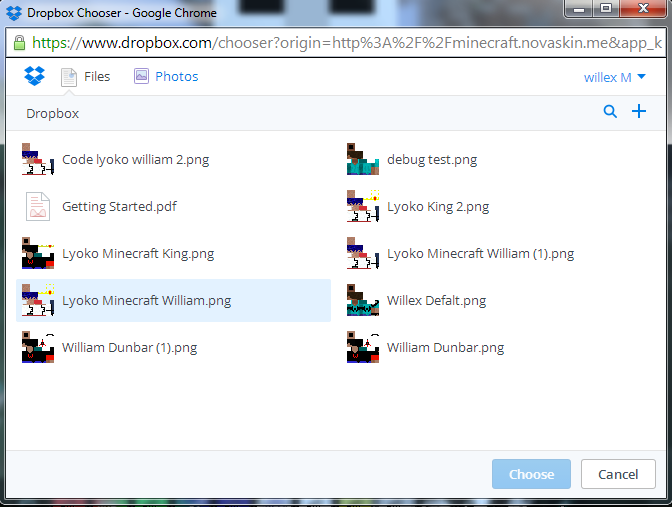
There is no X in the drop box files
please try again using chrome and/or Firefox, also make sure either is up to date
My default is chrome
I see no X
please type in “chrome://chrome/” without quotations, this will bring you
to the page where it updates chrome, wait untill it tells you to restart
and do so
one thing you left out is where do i type this?
sorry in the address bar, where you put your websites
Kool it’s running now. I’ll let you know when it’s done.
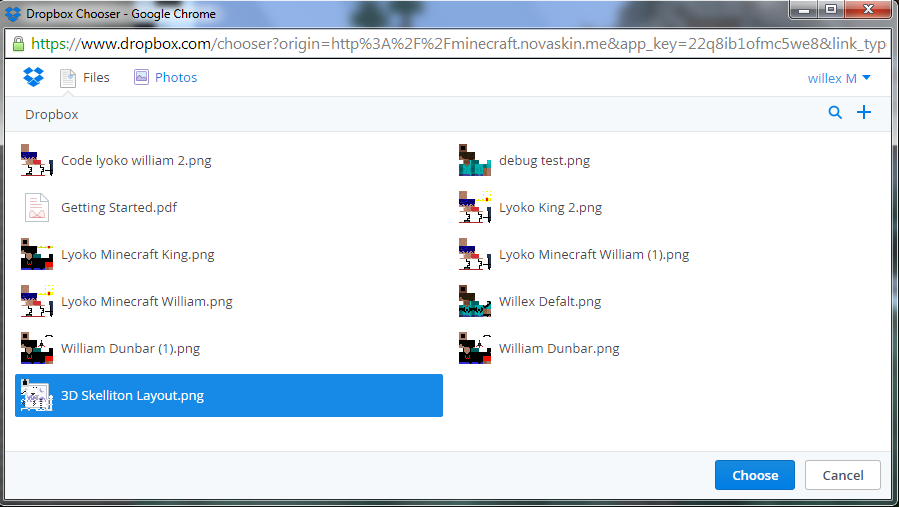
wait your using dropbox? thats why im confused, i thouhgt you were using
the novaskin file manager thingy
ok then you can tell me how this work’s.
how do I publish my skin’s?
thats odd, because i was not aware novaskin uses dropbox. and investigating shows this are you sure your using the right program
To be clear… it’s the only way that I can see is to Upload my own skin’s.
Doesn’t right click works? Like an option to delete?
No it just bring’s up more option’s to save and what ever.
try clicking the file, and pressing del on your keyboard